Screen Mirroring
LiveCast your phone screen to any TV via Google Cast and AirPlay. One tap, zero lag.
CastAirPlayFlutterAndroid
Screenshots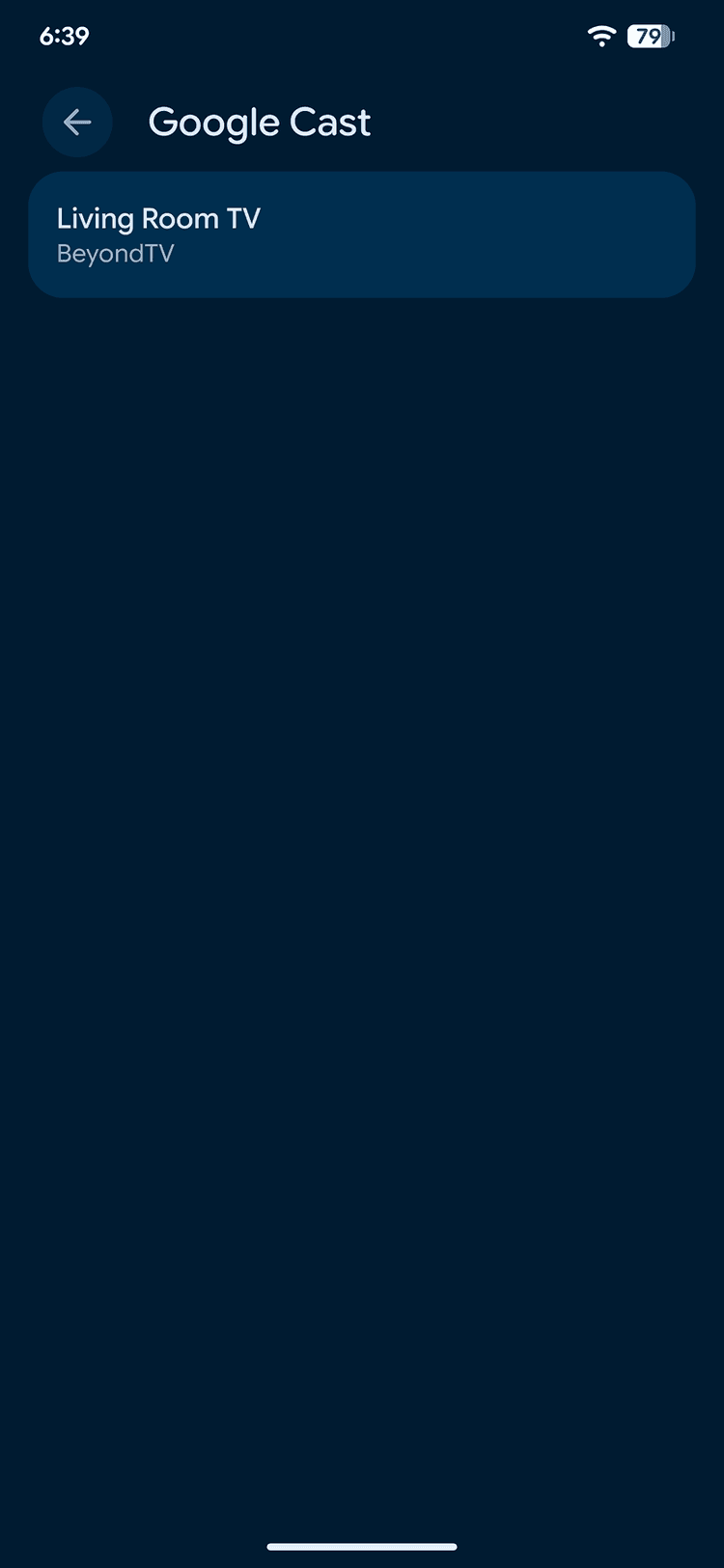
About
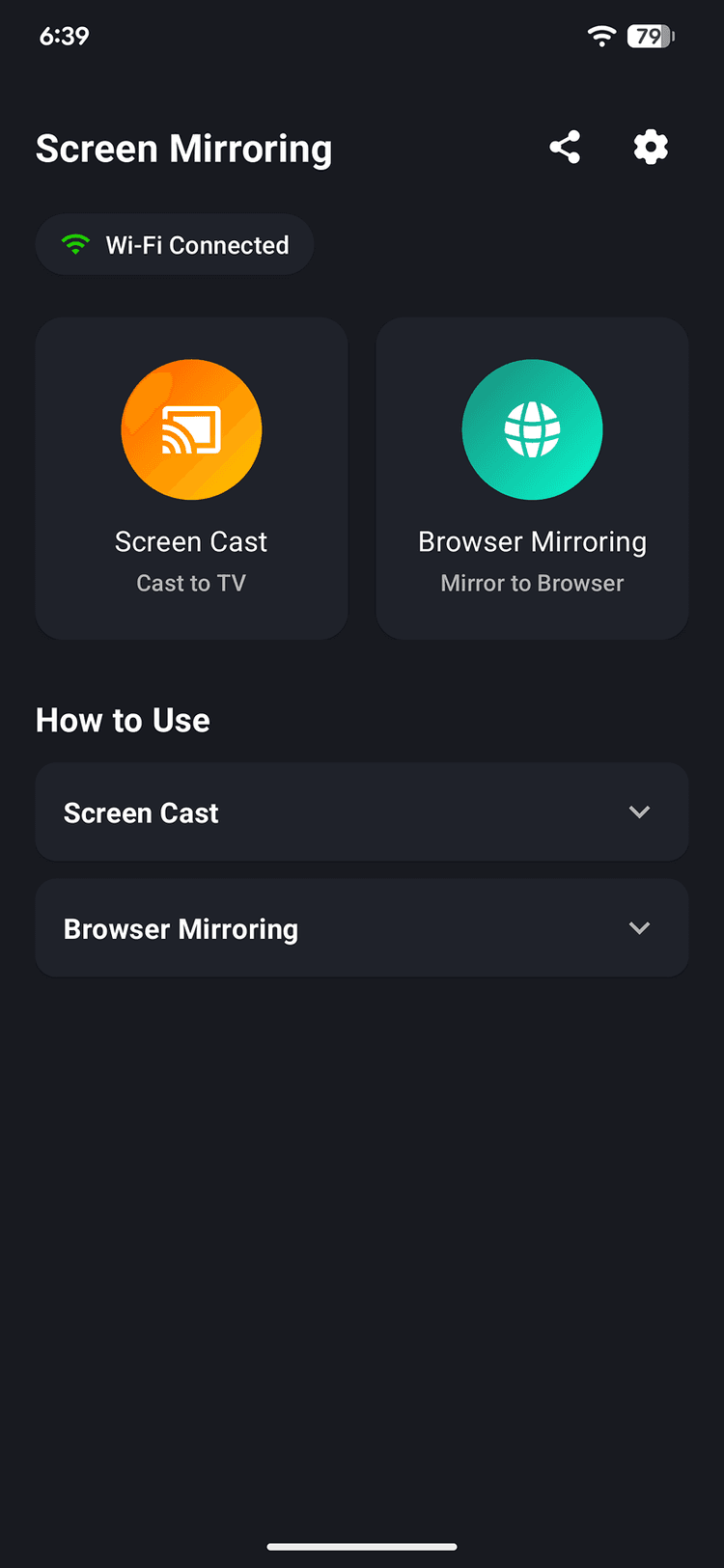
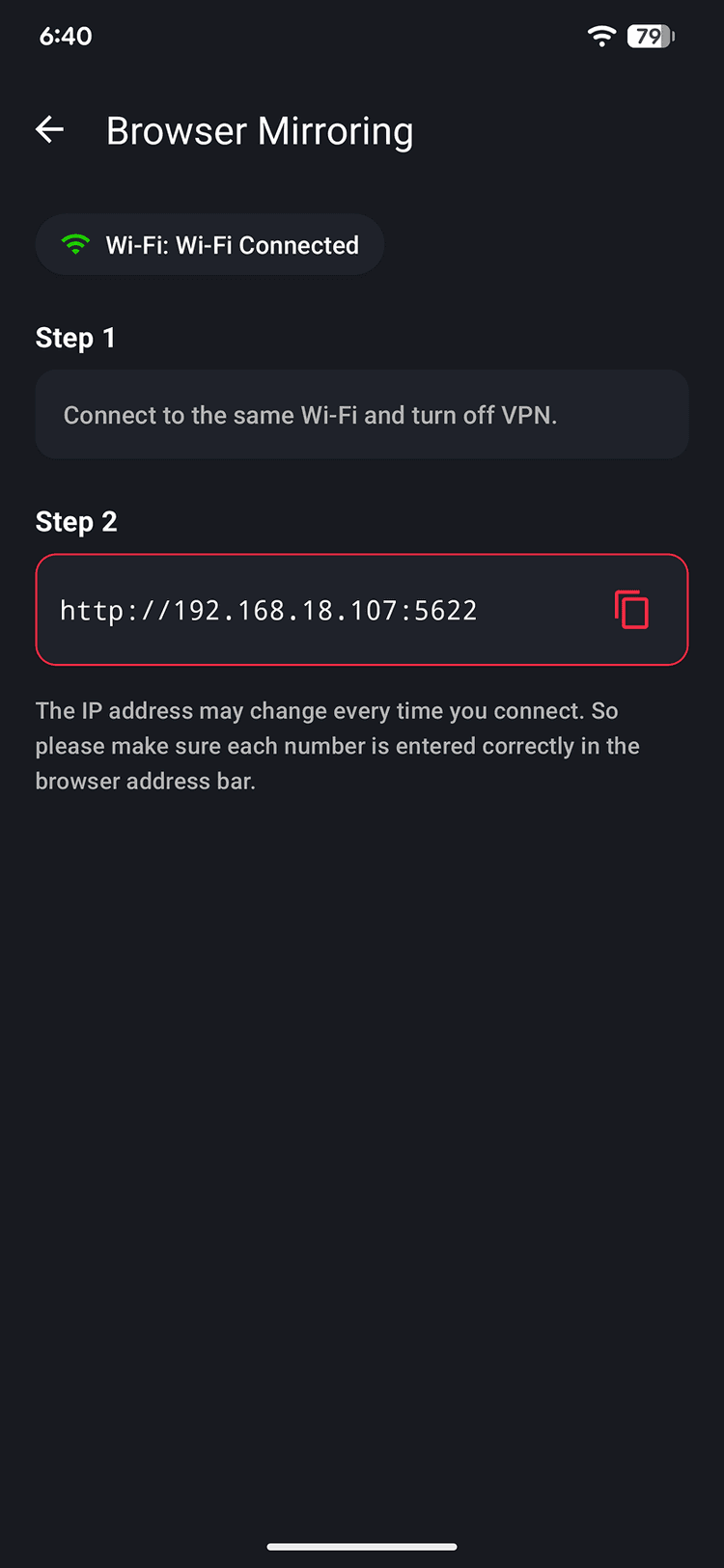
Screen Mirroring makes it effortless to cast your phone screen to any smart TV. Whether you're presenting slides, streaming photos, or mirroring a video call, the app discovers nearby devices via Google Cast and AirPlay and connects with a single tap. The interface is built for speed — open the app, see available devices, tap to connect, done. No complicated setup, no dongles, no lag. Built with Flutter and native platform channels for low-latency screen capture and casting across both Android and iOS.
Key Features
Auto-discovery of nearby Cast and AirPlay devices
One-tap connection with zero configuration
Low-latency screen mirroring via native channels
Support for Google Cast and Apple AirPlay protocols
Works with smart TVs, Chromecast, and Apple TV
Background casting with notification controls
Tech Stack
Flutter
Cross-platform mobile UI
Google Cast SDK
Chromecast integration
AirPlay
Apple TV streaming
Platform Channels
Native screen capture
mDNS
Device discovery
Dart
Application logic
Our Services
Interested in Screen Mirroring?
Whether you want to use it, integrate it, or build something similar — let's talk.
Get in touch